Get Your Data Ready Before You Buy AI: A Practical Data Engineering Guide
Most AI projects that disappoint were data projects in disguise. A plain-language guide to getting scattered spreadsheets, databases and apps into shape, so AI and dashboards actually work.
 Oxid Labs Team 3 min read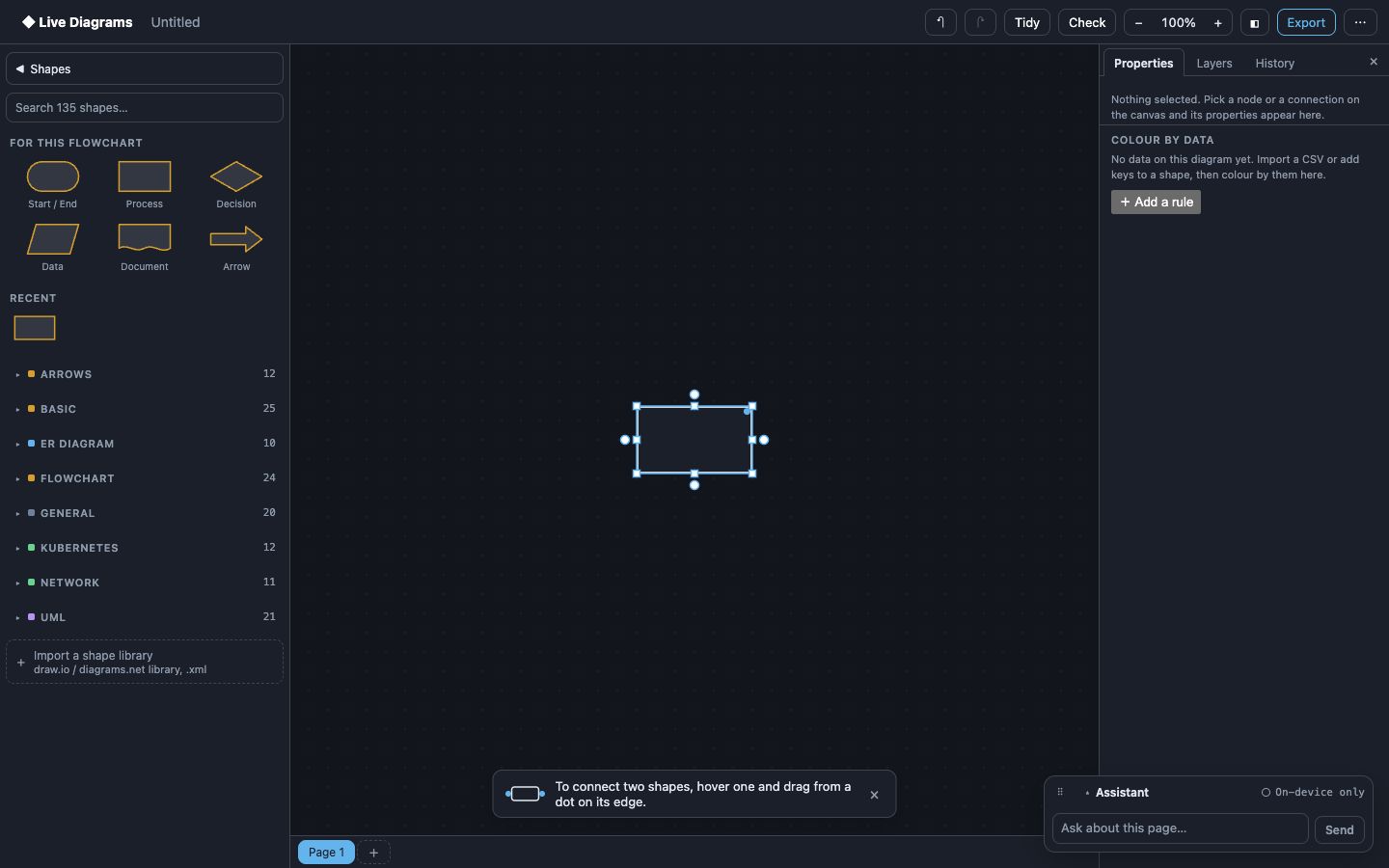
Many businesses come to us wanting AI: an assistant that answers customers, a model that forecasts demand, a dashboard that “just shows the numbers”. The first conversation is usually about something else entirely: where the data actually lives.
It is in a sales spreadsheet, an accounting package, a WhatsApp group, a database nobody has documented and a CSV export someone emails every Monday. AI cannot fix that. It amplifies whatever you feed it, including the gaps and contradictions.
Here is the practical sequence we follow in our Data Engineering & Analytics work.
Step 1: Map what you have
Before writing any code, draw it. List every system that holds business data, what it holds, who updates it and how often. Then draw how data moves between them today, including the manual steps.
A diagram makes problems obvious in a way a spreadsheet never does: the customer list maintained in three places, the report that depends on one person’s laptop. We built Live Diagrams partly for this job; you can paste a schema.sql and get an ER diagram of a database in seconds, then sketch the flows around it.
Step 2: Agree on one source of truth per thing
For each important thing (customers, products, orders, payments) decide which system is the master. Everything else reads from it. This sounds administrative, but it is the single decision that removes most data quality problems.
Step 3: Build pipelines, not copy-paste
Replace the manual exports with pipelines: small, automated jobs that pull data from each source on a schedule, clean it and load it into one place, usually a warehouse such as Postgres or BigQuery. Good pipelines are boring: they run every day, alert someone when they fail and keep a history of what changed.
Step 4: Check quality continuously
Add simple automatic checks: no orders without a customer, no negative quantities, totals that match the accounting system. When a check fails, fix the source, not the report.
Step 5: Make it visible
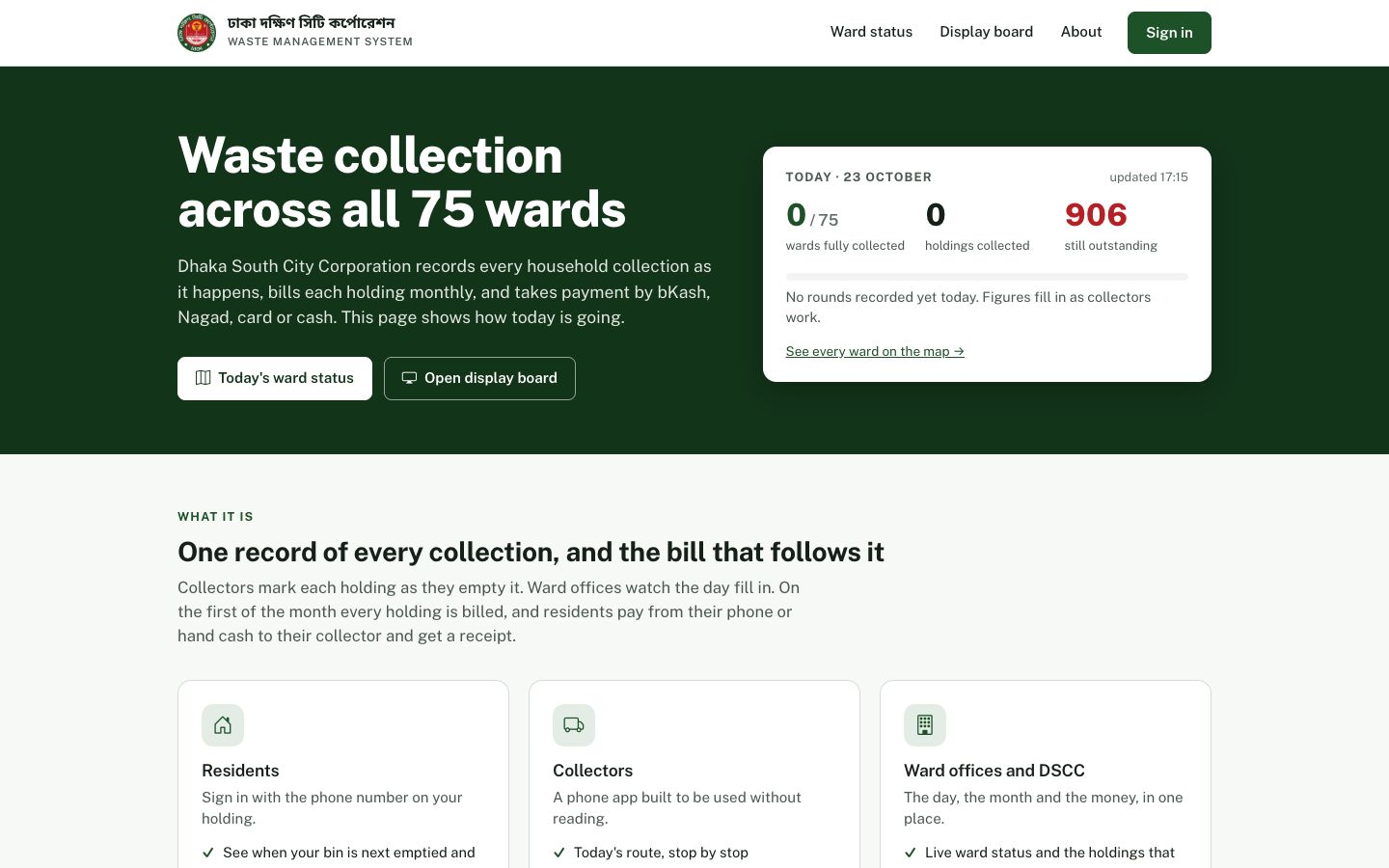
Only now do dashboards make sense. With clean, connected data, a dashboard is quick to build and, more importantly, people trust it. The DSCC Waste Management System is a good example: because every collection is recorded at the source, its live ward map and revenue reports need no manual reconciliation.
Step 6: Then add AI
With a clean, documented source of truth, AI projects become dramatically simpler:
- An assistant can answer from your real product, price and policy data.
- Forecasts train on history you can trust.
- Retrieval works because documents and records are organised and up to date.
A quick self-check
If you answer “no” to two or more of these, start with data, not AI:
- Can you get yesterday’s sales by product without asking a person?
- Is there one customer list everyone uses?
- Would two people producing the same report get the same number?
- Do you know which system to fix when a number is wrong?
If that list made you wince, you are in good company. Our Data Engineering & Analytics service exists to get you from scattered data to an AI-ready foundation, one sensible step at a time.
Need help putting this into practice?
Talk to the team behind these products. We build AI, data and software for businesses like yours.