Native, Tauri or Electron? Choosing How to Build a Desktop App in 2026
Desktop software is back: for privacy, offline work and speed. A practical comparison of native, Tauri and Electron from a team that ships its own Mac apps.
 Oxid Labs Team 3 min read
For a decade, the default answer to “should this be an app?” was “make it a website”. That is changing. Teams want software that works offline, keeps sensitive files on the device, starts instantly and feels at home on the operating system. We ship our own Mac apps under Oxid Apps, and clients increasingly ask us for desktop tools too.
The first decision is always the same: how should we build it? There are three serious options.
Option 1: Native
Native means using the platform’s own tools: Swift and SwiftUI or AppKit on macOS, C# or C++ on Windows.
Strengths: the best performance, the smallest memory footprint, full access to system features, and an app that looks and behaves exactly like the rest of the operating system.
Trade-offs: one codebase per platform. Supporting Mac and Windows roughly doubles the work.
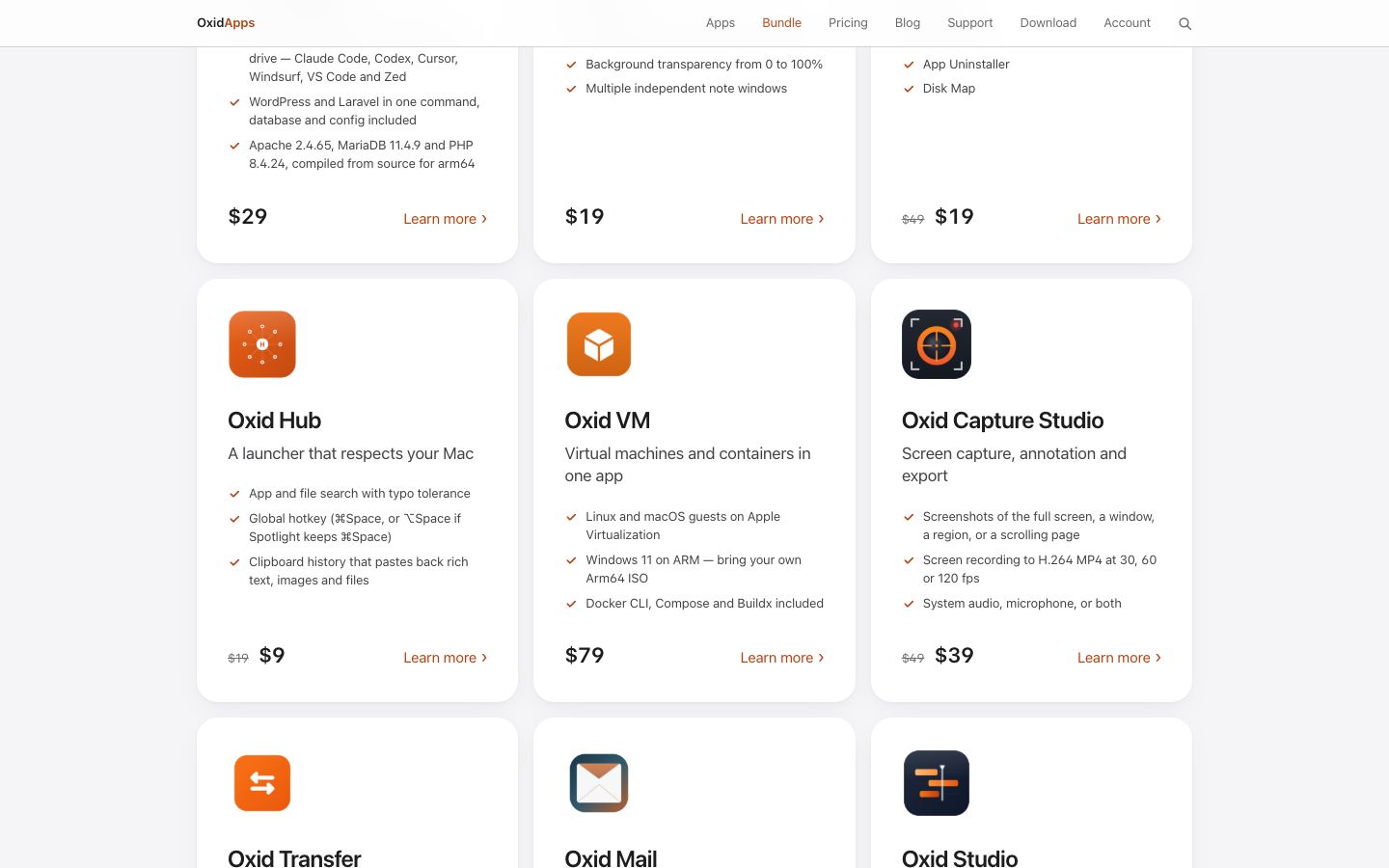
Choose it when the app is deeply tied to one platform, performance is critical, or the app is the product. That is why the Oxid Apps line is native and built for Apple Silicon: a virtual machine manager, a screen recorder at up to 120 fps or a local server stack all live close to the system.
Option 2: Tauri
Tauri builds the interface with web technologies (HTML, CSS and a framework such as React) and the core in Rust. Instead of bundling a browser, it uses the operating system’s own web view.
Strengths: small installers and low memory use compared with Electron, one codebase for macOS, Windows and Linux, and a Rust core that is fast and memory-safe. Tauri’s permission model also makes you declare what the app may access, which suits security-sensitive tools.
Trade-offs: the web view differs slightly between platforms, so test on each one. Some deep system integrations need Rust or native plugins.
Choose it when you want cross-platform reach with a lean, secure footprint. This is our default for new cross-platform business tools, and it pairs naturally with Rust services built on frameworks like Axum.
Option 3: Electron
Electron bundles Chromium and Node.js with your app. VS Code, Slack and many other well-known apps use it.
Strengths: a mature ecosystem, identical rendering everywhere, and the easiest path if you already have a web app and a JavaScript team.
Trade-offs: larger downloads and higher memory use, because every app ships its own browser.
Choose it when you need to move an existing web app to the desktop quickly and size is not a concern.
A quick decision guide
| If you need… | Choose |
|---|---|
| The best possible performance on one platform | Native |
| Mac, Windows and Linux from one codebase, lean and secure | Tauri |
| To reuse a large existing web app as fast as possible | Electron |
Whatever you choose
- Plan updates from day one. Signed builds and automatic updates are part of the product, not an afterthought.
- Sign and notarise. Users and operating systems increasingly refuse unsigned software.
- Respect the platform. Keyboard shortcuts, menus and file dialogs should feel native even in a cross-platform app.
Building desktop software is part of our Web, Mobile & Desktop Apps service, using native, Tauri or Electron depending on the job. If you have a desktop tool in mind, tell us about it.
Need help putting this into practice?
Talk to the team behind these products. We build AI, data and software for businesses like yours.